
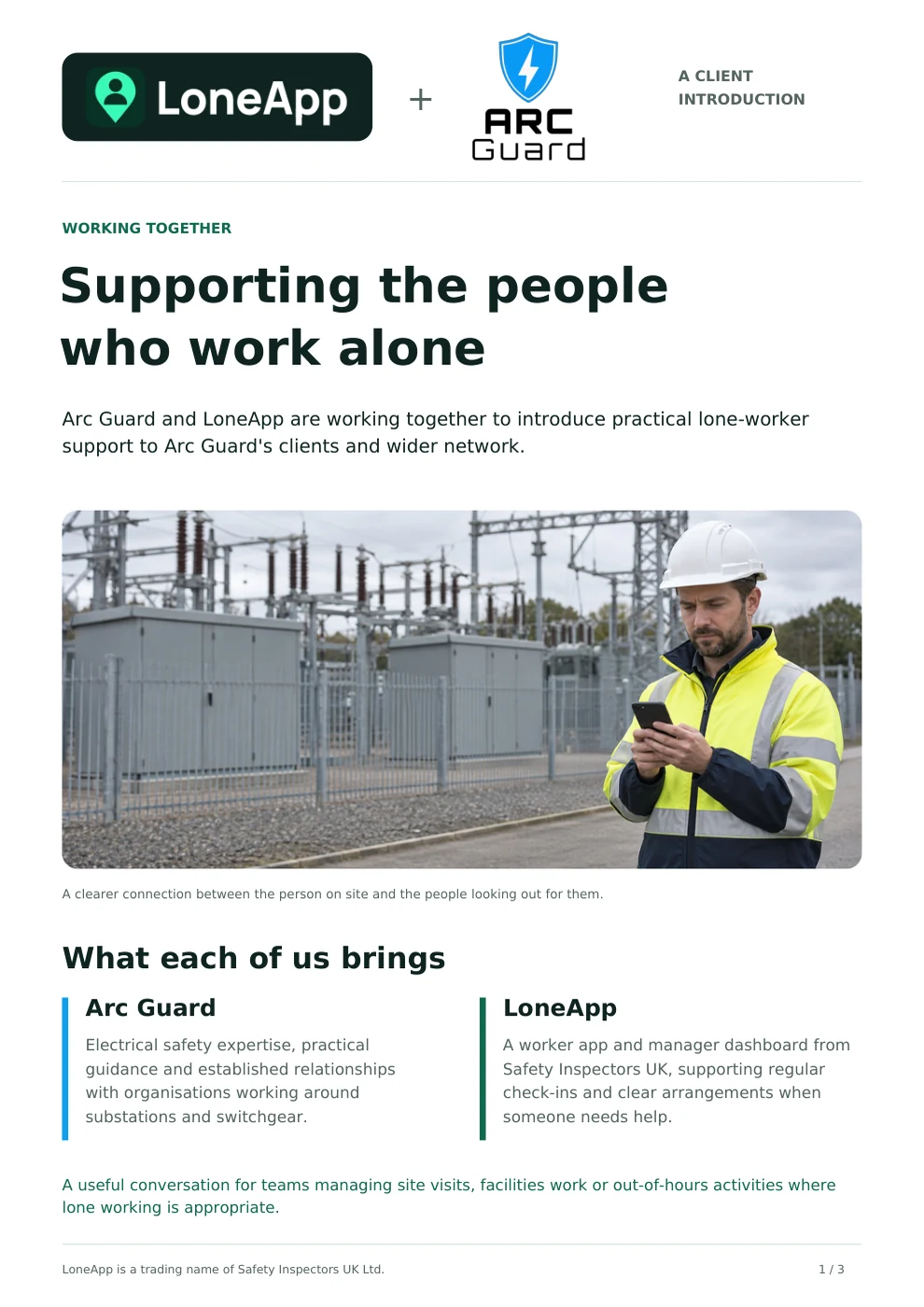
Behind every substation, switchroom and maintenance visit are people who need the right arrangements around them. LoneApp and Arc Guard are working together to introduce practical lone-worker support to Arc Guard’s clients and wider network.
At a glance
- Arc Guard brings specialist electrical safety knowledge and practical engineering experience.
- LoneApp supports worker check-ins, manager visibility and alerts to nominated responders.
- Follow the setup steps below, then read or download the client brochure with its dedicated getting-started guide.
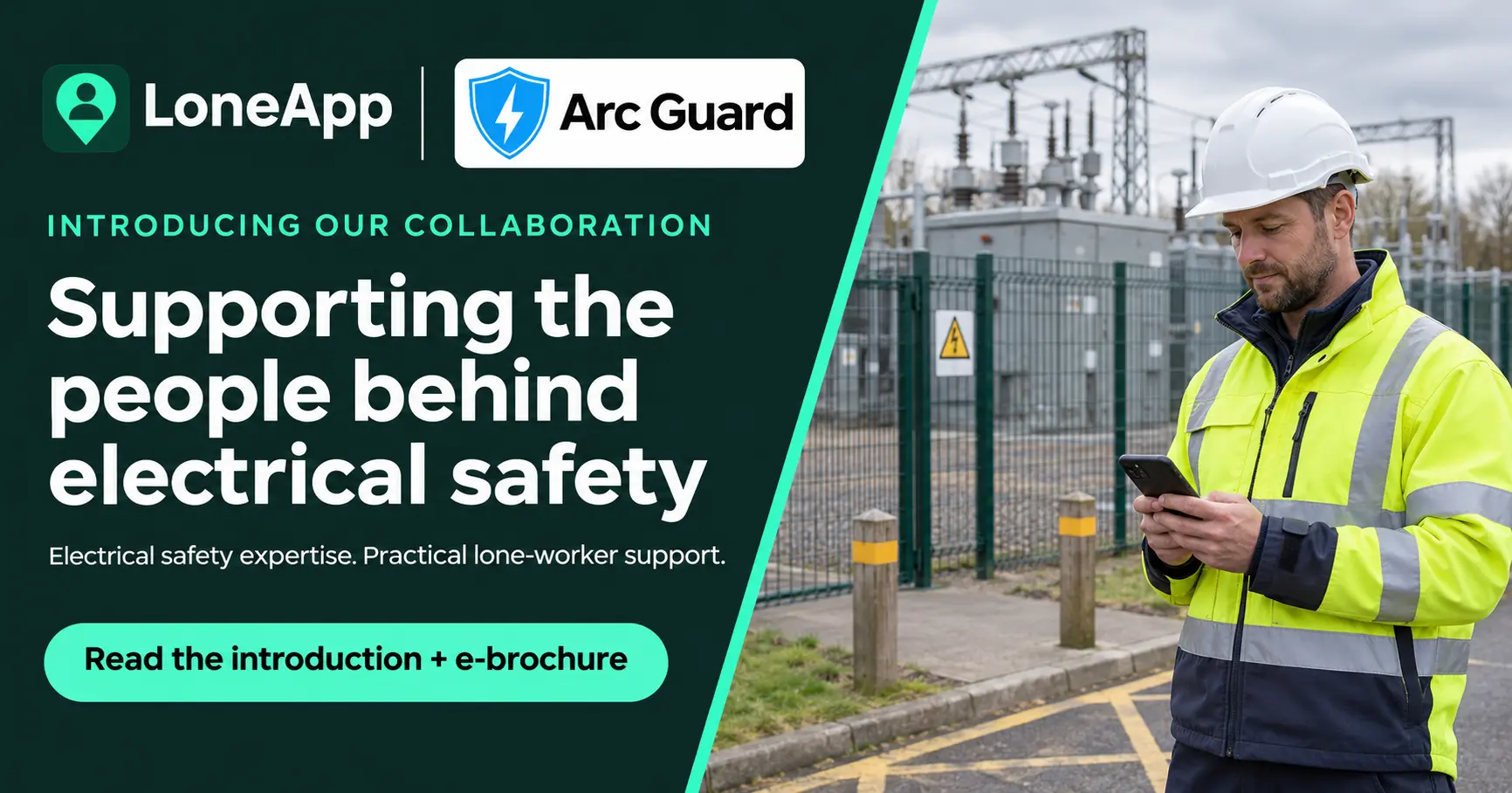
A shared interest in the people on site
Arc Guard works with organisations around substations, switchgear and critical electrical infrastructure. Its work includes arc-flash protection, PPE, condition monitoring, safe systems of work and specialist safety seminars.
That work is closely connected to a practical question for employers: how do we keep in touch with people who spend part of their working day away from colleagues?
A team may be spread across several sites, attending routine visits or supporting facilities outside normal hours. Where the work is suitable to be done alone, it helps to have a clear way to check in and an agreed plan if someone needs support.
This is the conversation our collaboration is intended to open.
What each company brings
Arc Guard brings its experience of electrical environments and the working relationships it has built with clients. It can introduce LoneApp where a conversation about lone-working arrangements would be useful.
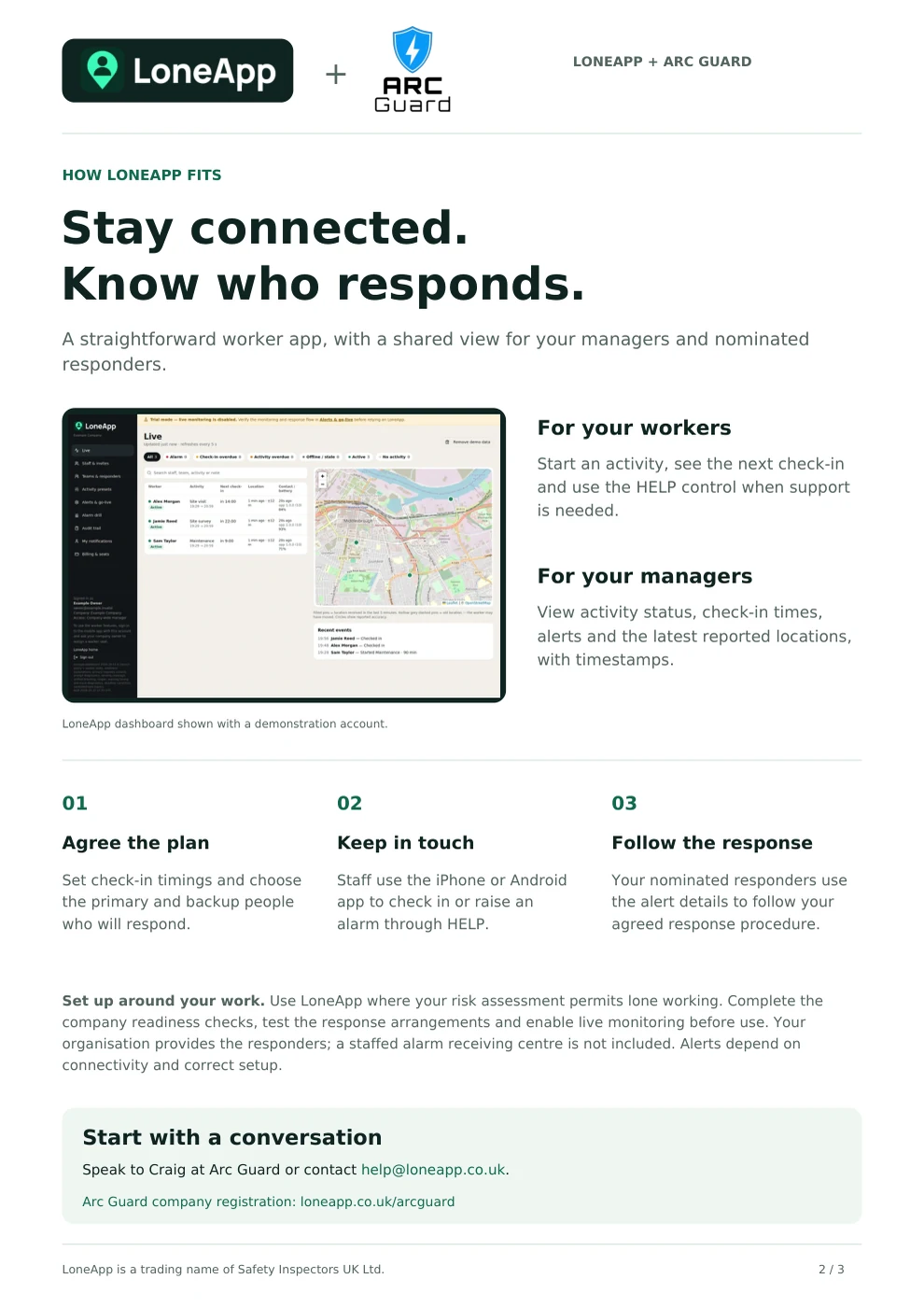
LoneApp, developed by Safety Inspectors UK Ltd, provides the worker app, manager dashboard, registration and product support. Staff can start an activity, check in at agreed intervals and use the HELP control when they need assistance.
Managers can see activity status, check-in times and the latest reported locations with timestamps. Alerts support the organisation’s nominated responders, who follow its agreed response procedure.
Getting started: company first, staff next
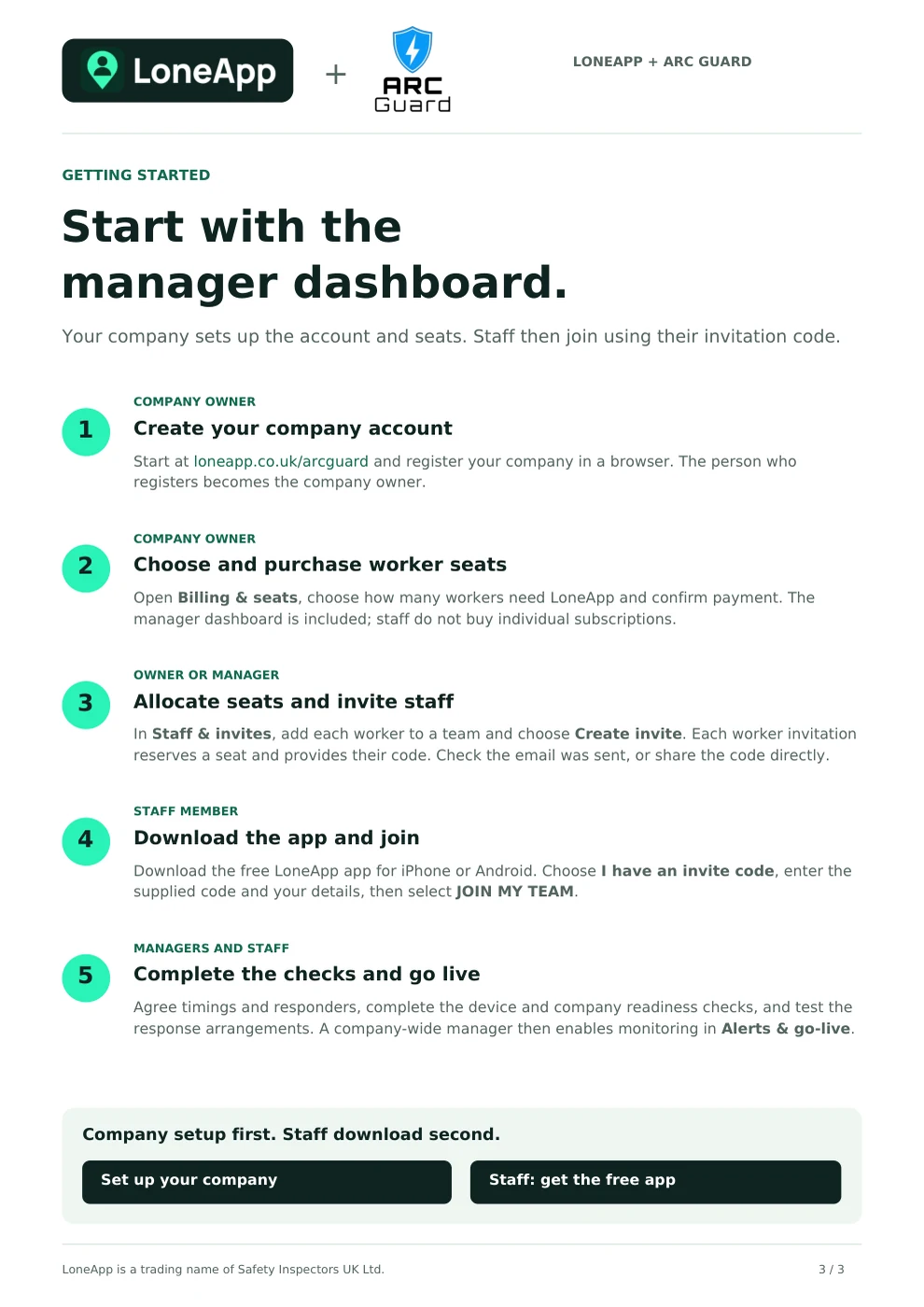
Setup starts in the manager dashboard. Your company creates the account, purchases worker seats and provides staff invitations. Each member of staff then downloads the free app and joins with their invitation code.
- Company owner - register your company. Start through the Arc Guard registration link below and create your company account in a browser. The person registering becomes the company owner.
- Company owner - choose and purchase seats. Open Billing & seats, choose the number of worker seats and confirm payment. Management-only users do not need paid worker seats.
- Owner or manager - allocate seats and invite staff. In Staff & invites, add each worker to the right team and choose Create invite. Each worker invitation reserves a seat and provides their code. Check the invitation email was sent, or share the code directly.
- Staff member - download and join. Install the free LoneApp app for iPhone or Android, choose “I have an invite code”, enter the supplied code and your details, then select “JOIN MY TEAM”. Staff do not buy a separate subscription.
- Managers and staff - complete setup before live use. Agree timings and responders, complete device and company readiness checks, and test the response arrangements. A company-wide manager then enables monitoring in Alerts & go-live.
In practice: keeping in touch across site visits
Consider an engineer visiting several customer sites for planned, non-intrusive visual inspections. The employer and site operator would first agree the permitted work, access arrangements and whether any part of the visit may be undertaken alone.
For suitable lone-working periods, the team could agree check-in timings, a primary responder and backup cover. The engineer could use LoneApp to start the activity and check in from a safe place. If an alert were raised, the nominated responder would have an agreed procedure for contacting the engineer and arranging appropriate assistance.
The value is a shared understanding: what work is planned, how contact will be maintained and who takes the next step.
The arrangements come first
The starting point remains the work and its risks. Electrical tasks still require the appropriate competence, controls, authorisation and supervision. Some activities require another person to be present; an app does not make those activities suitable for lone working.
Before relying on LoneApp, the organisation completes its readiness checks, tests the response arrangements and enables live monitoring. It provides the responders; a staffed alarm receiving centre is not included. Alerts depend on connectivity and correct setup.
Read the client introduction
Our client e-brochure explains the collaboration, what LoneApp does and how your company and staff get started. Read it here or download a copy to share with colleagues.
Read the brochure here
Start with a conversation
If this is relevant to your team, speak to Craig Phillips at Arc Guard or contact LoneApp. We can begin with how your people work, the arrangements you already have and where clearer contact or response planning could help.
Organisations ready to register through Arc Guard can use the dedicated link below.