
THE WORKER APP
Ready for the job.
Connected to
your team.
Start an activity, keep your next check-in in sight and ask for help through one straightforward app.
GET LONEAPP

Free to download. Your company provides your worker seat and invitation. iPhone requires iOS 18 or later.
Help joining your company →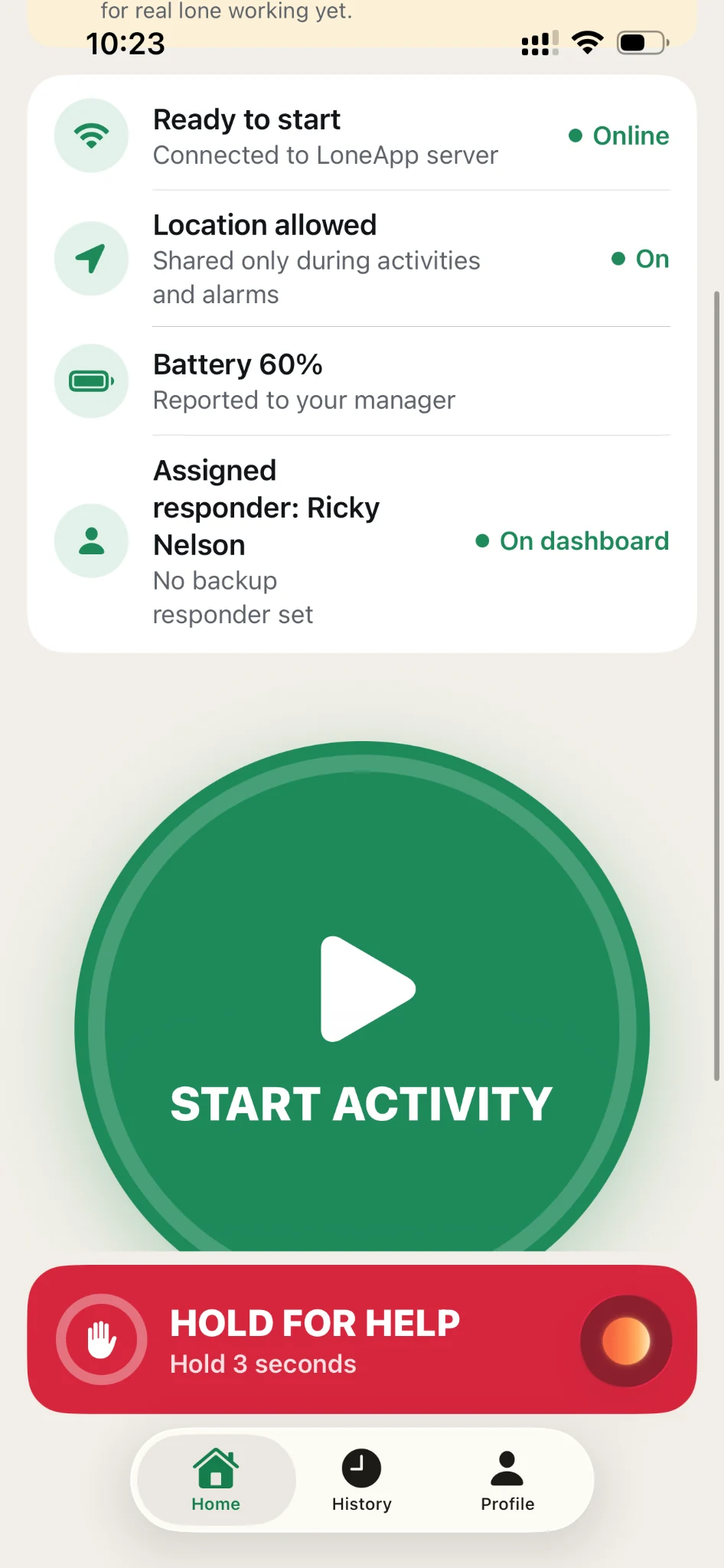
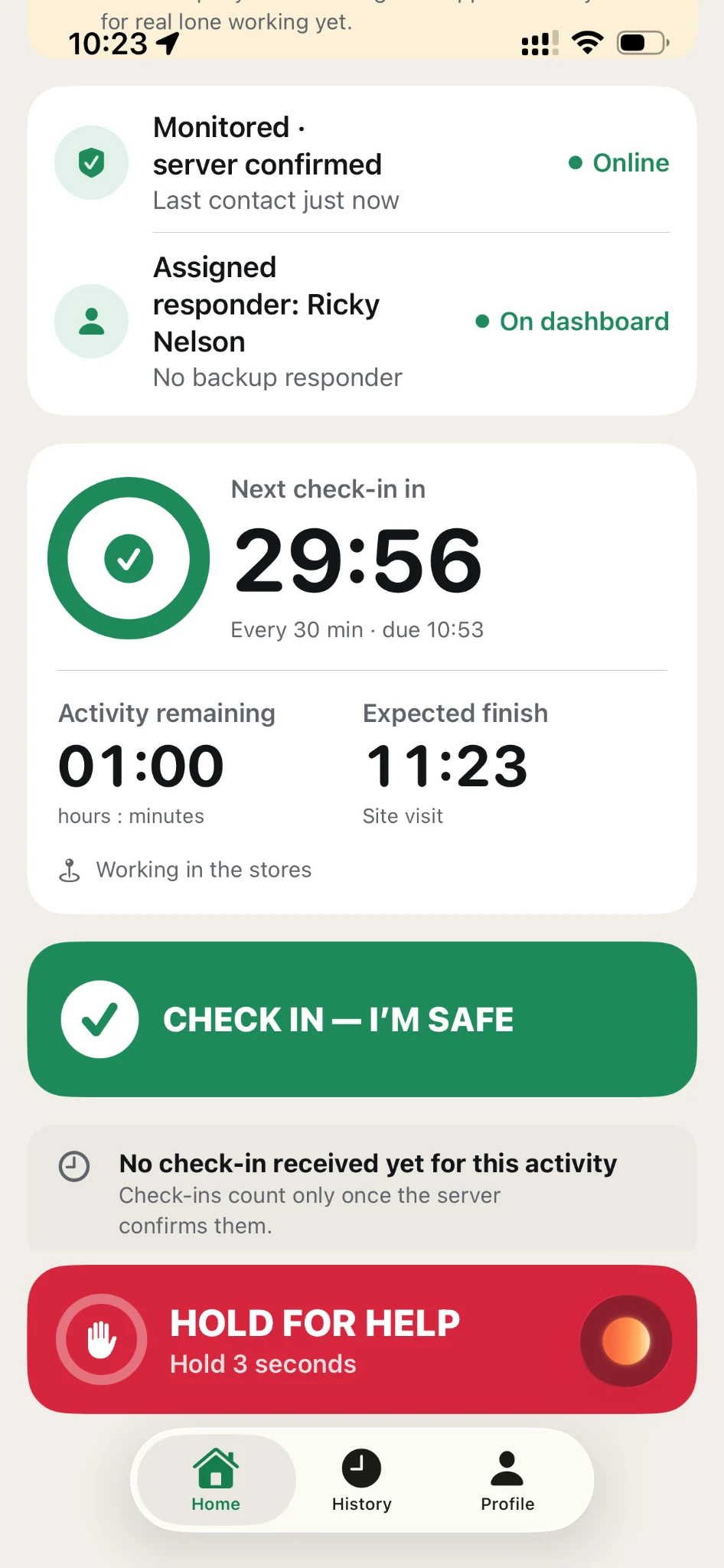
Example screensIllustrative screens using a demonstration account. Your team’s settings may differ.
01 BEFORE YOU START
Know you’re ready
before you start.
Check your connection, location permissions and battery level before starting work. LoneApp also shows your assigned responder, so you can see who is responsible for responding to an alarm.
- Connection in viewSee whether the app is connected to the LoneApp server.
- Location and batteryCheck permissions and your battery level in the same place.
- A named responderSee your assigned responder and whether a backup has been set.
02 A PLAN THAT FITS THE JOB
Choose the activity.
Confirm the plan.
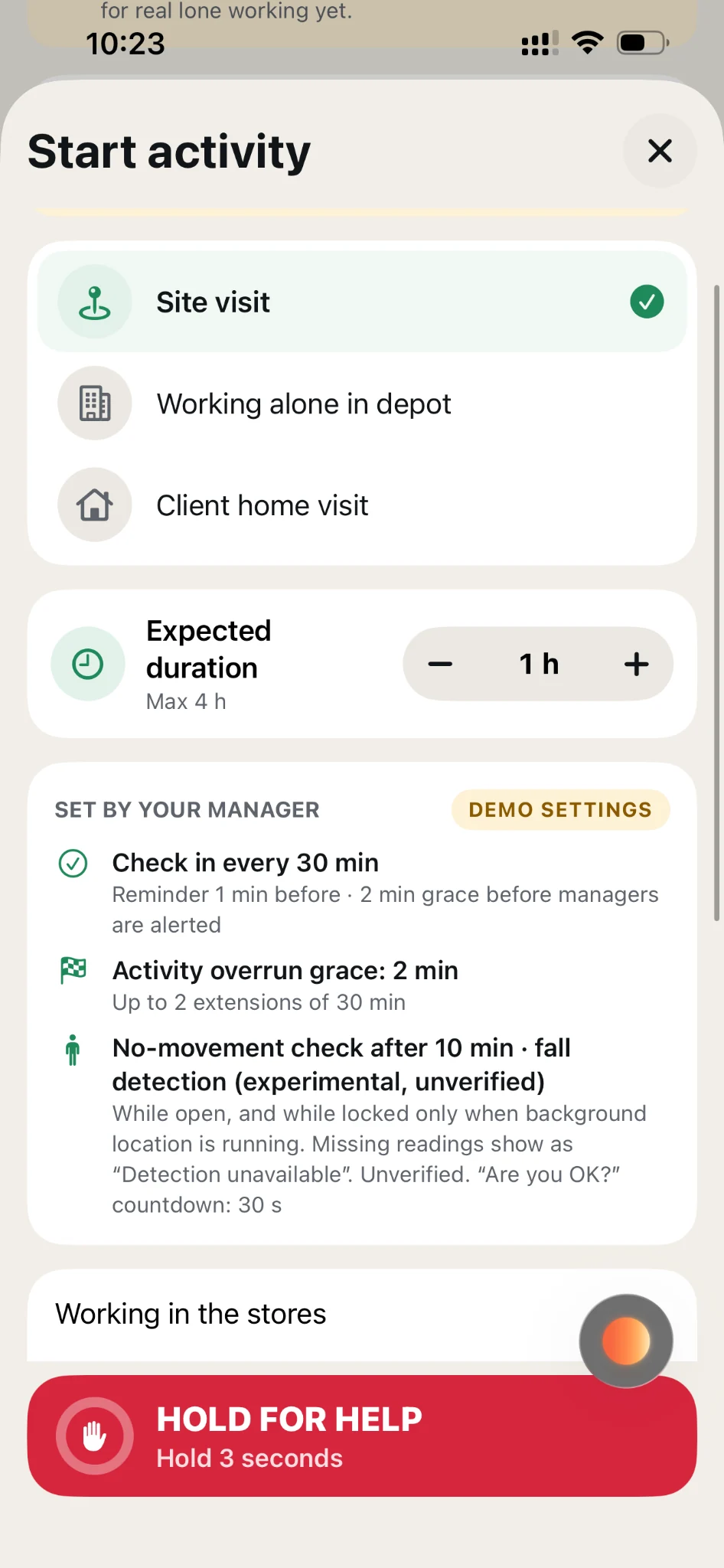
Select a saved activity, confirm how long you expect it to take and add a brief task or location note. Your organisation sets the check-in frequency and overdue allowances, helping workers follow a consistent process with minimal setup.
- Familiar activitiesChoose from your organisation’s saved activities, such as a site visit or working alone in a depot.
- Clear expectationsSee the expected duration, check-in interval and any permitted extensions.
- Useful contextA short note helps your responder understand the work you are doing.
03 WHILE YOU WORK
Keep your next
check-in in sight.
See your next check-in countdown and remaining activity time at a glance. Confirm you’re safe with one tap, with a clear status showing when your check-in has been received. Your task details and HELP control remain close at hand.
- Two useful timingsYour next check-in and your expected finish are shown separately.
- Confirmation that mattersCheck-ins count once the server confirms them, with status shown in the app.
- Finish or extendClose your activity when the job is done, or extend it within your manager’s settings.
04 WHEN SOMETHING CHANGES
A clear way
to ask for help.
Press and hold HELP for three seconds to raise an alarm. A visible countdown shows your progress, while the deliberate hold helps reduce accidental activation.
The app shows whether LoneApp has received your SOS and provides response updates. Receipt by the service does not confirm that a responder has been reached.
Help with using the app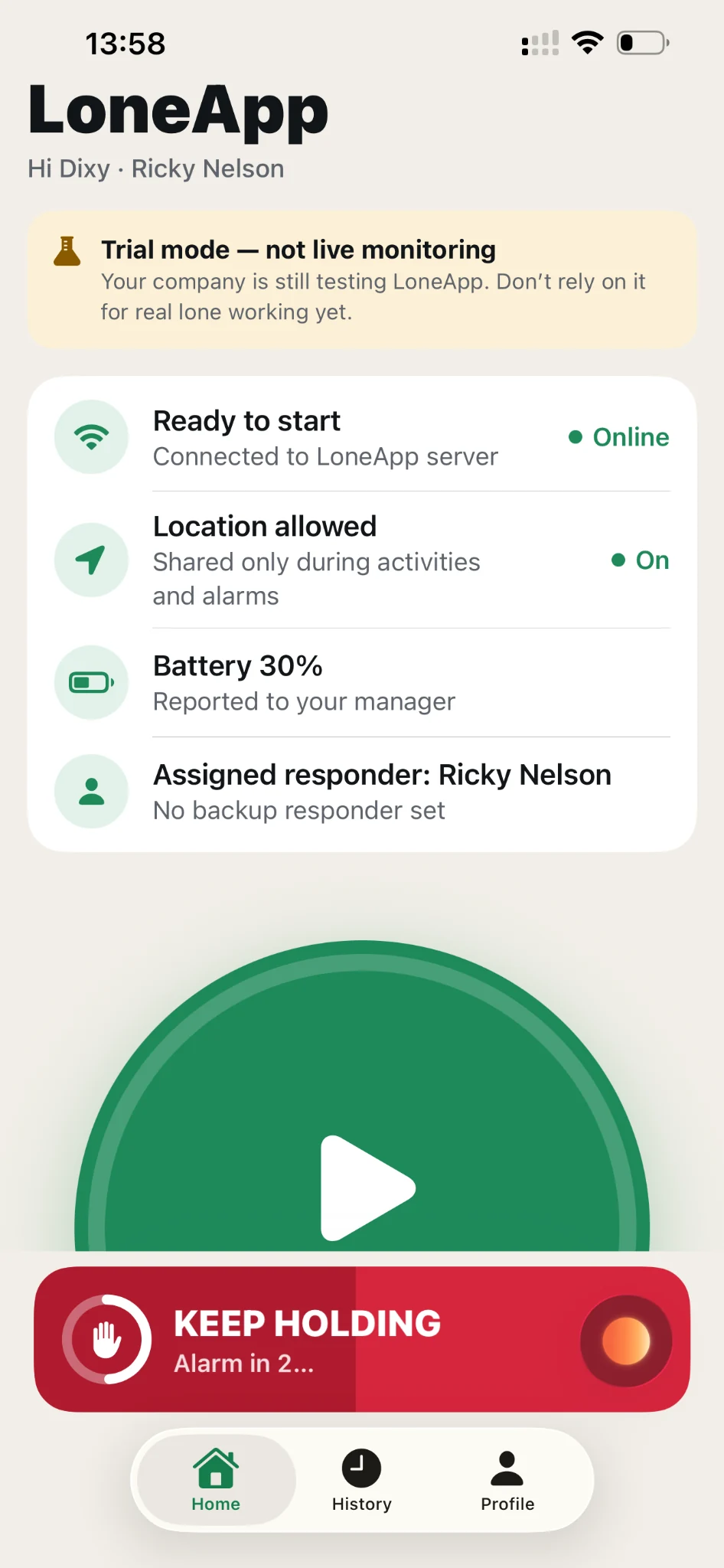
ADDITIONAL SUPPORT
Inactivity and
fall detection (experimental).
Experimental inactivity and fall detection can flag when someone may need attention: an inactivity warning asks the worker to confirm they’re OK or ask for help. Both are unverified and can miss an incident or raise a false warning. Scheduled check-ins and the HELP control remain the safety controls to rely on.
INVITED BY YOUR MANAGER?
Join your team.
Your company buys and assigns worker seats. Staff install the free app, choose “I have an invite code” and use the invitation supplied by their manager.
Download the app above, then follow your company invitation. Already have an account? Sign in with your existing details.
Help joining your companyGET STARTED WITH LONEAPP
Set up your team.
Keep everyone connected.
Your company manages the seats. Staff use the free worker app.