
Someone can work with colleagues for most of the day and still be a lone worker for part of it. Before choosing a lone worker app, identify the activities where close or direct supervision is absent. This LoneApp guide uses UK workplace examples and a Teesside cleaning scenario.
At a glance
- Look at individual activities and times of day.
- People can work alone at their usual workplace.
- Identify the work first, then assess the risks and support needed.
Start with the working arrangement
HSE describes lone workers as people who work by themselves without close or direct supervision. Its examples include engineers, cleaners, delivery drivers and people working at home.
The setting can be familiar. Consider a colleague opening the premises before everyone else arrives, a caretaker completing a late inspection or an employee carrying out a visit away from the office. These are examples to explore in your assessment, not automatic conclusions that the work is safe or unsafe.
Walk through a typical day
Choose a role and follow the day from the first activity to the last. A useful discussion might include:
- Who arrives first or stays after the main team leaves?
- Who travels between locations or visits another organisation’s premises?
- Where is work done out of sight or hearing of colleagues?
- Who knows when the activity starts and finishes?
- What help could actually reach the person if needed?
Practical example: an evening cleaner in Teesside
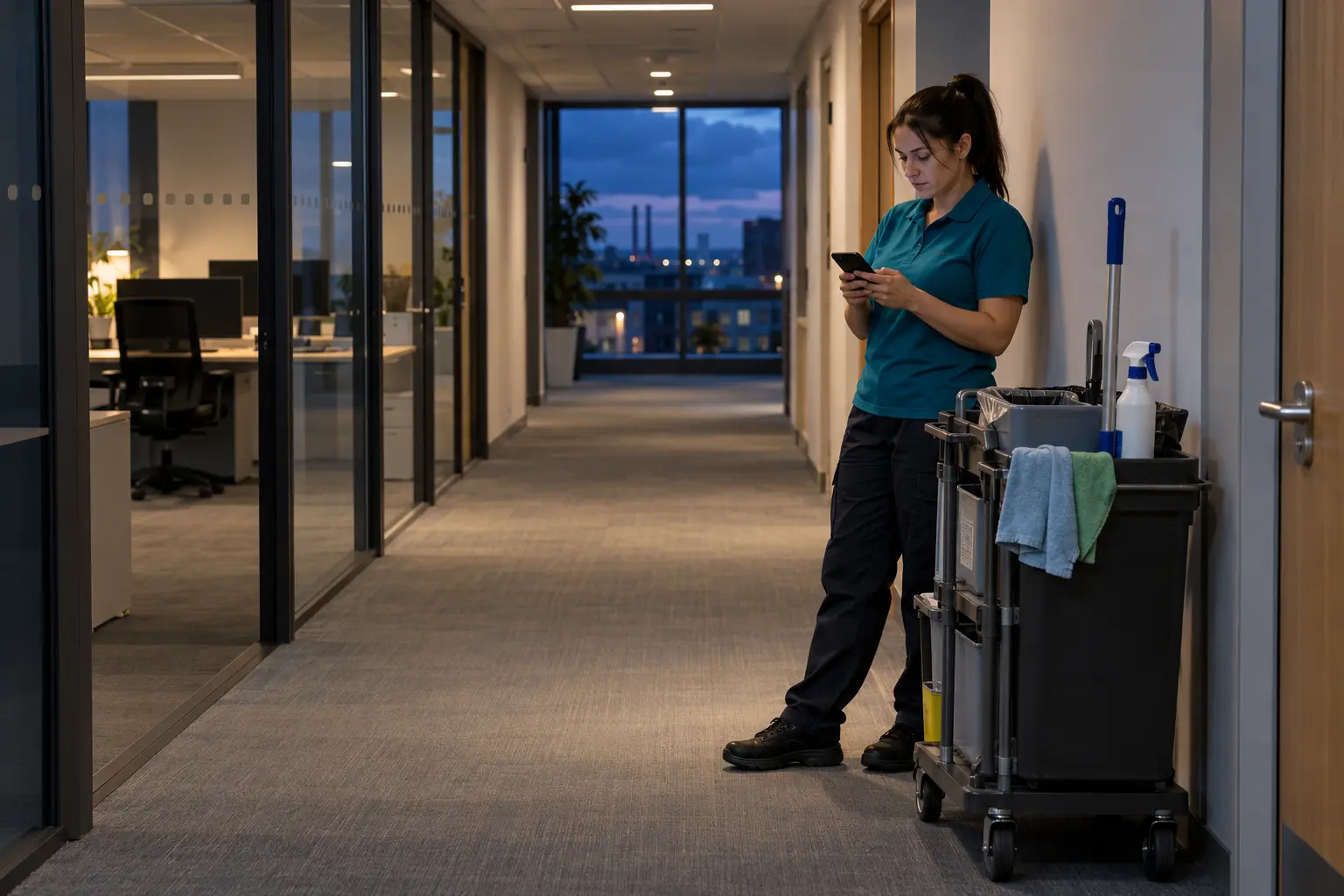
Consider a cleaner who starts work in a Teesside office while the day team is present, then continues after everyone else has left. A familiar building does not mean the same help remains available throughout the shift.
The employer would need to consider that change when assessing the work: which tasks are suitable, who is available to respond, how contact will work and how completion will be confirmed. The cleaner should know what to do if the agreed contact method is unavailable.
A lone worker app such as LoneApp could support agreed check-ins and manager visibility once configured and enabled. It cannot decide whether the activity is suitable for working alone or provide the people responsible for responding.
The practical lesson is to assess the period without nearby support, rather than assuming the whole shift has the same arrangements. The same question can be useful for caretakers, mobile staff and people opening or closing premises.
Turn the list into practical arrangements
Once you have identified the activities, discuss the hazards and the support needed with the people doing the work. HSE’s guidance sets out employers’ responsibilities for managing lone-working risks, including training, supervision and keeping in contact.
Use a simple record of the activity, location, timing, responsible manager and agreed contact method as a starting point. Keep the working instructions easy to find and update them when the work changes.
Where LoneApp fits
The LoneApp lone worker app can support agreed contact arrangements through worker activities, check-ins and visibility in the manager dashboard. It forms part of wider arrangements for managing the work and responding when someone needs help.